Remove Puzzle: Delete One Part
Publisher Description


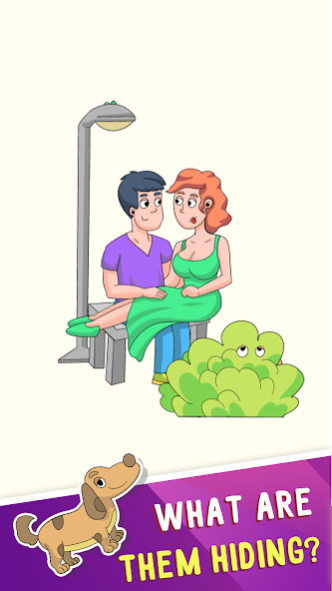

How Smart Are you ? Let's play Remove Puzzle Delete One Part Brain Game.
Remove Puzzle is popular brain test dop game and erase one part to solve fun puzzle and logic puzzles. With Remove Puzzle hidden object games, you can relax and get brain smarter at the same time play delete puzle! Test brain & Level up your brain while you level up in the erase it game!
It's not easy to pass all hidden object levels in Remove Puzzle Delete One Part DOP Game. Try to find solution and delete right properly it to find out the truth by your finger and save the girl.
Make a brain teasers story in just draw and erase games to yget smarter at the same time. Play Erase one part, you decide what to erase to beat the tricky puzzle levels
👊 DOP Puzzle Delete One Part Game Feature:
- Best brain puzzle games.
- Simple delete puzzle & hidden object games.
- 100+ draw puzzles for your imagination to run wild
- 200+ brain teasers levels to testing your drawing skill.
- Test your drawing skill with hidden object games.
- New dop levels are regularly updated weekly.
- Beautiful brain quiz puzle graphics and brain games kids design
👊 Challenge your attention and and have fun with funny tricky puzzles!
👉🏻 Download and play Remove Puzzle Games!
About Remove Puzzle: Delete One Part
The company that develops Remove Puzzle: Delete One Part is EastLao Studio. The latest version released by its developer is 1.0 .
To install Remove Puzzle: Delete One Part on your Android device, just click the green Continue To App button above to start the installation process. The app is listed on our website since 2021-10-06 and was downloaded 4 times. We have already checked if the download link is safe, however for your own protection we recommend that you scan the downloaded app with your antivirus. Your antivirus may detect the Remove Puzzle: Delete One Part as malware as malware if the download link to dop.drawpuzzle.drawit.justdraw.deleteonepart is broken.
How to install Remove Puzzle: Delete One Part on your Android device:
- Click on the Continue To App button on our website. This will redirect you to Google Play.
- Once the Remove Puzzle: Delete One Part is shown in the Google Play listing of your Android device, you can start its download and installation. Tap on the Install button located below the search bar and to the right of the app icon.
- A pop-up window with the permissions required by Remove Puzzle: Delete One Part will be shown. Click on Accept to continue the process.
- Remove Puzzle: Delete One Part will be downloaded onto your device, displaying a progress. Once the download completes, the installation will start and you'll get a notification after the installation is finished.
